Uses
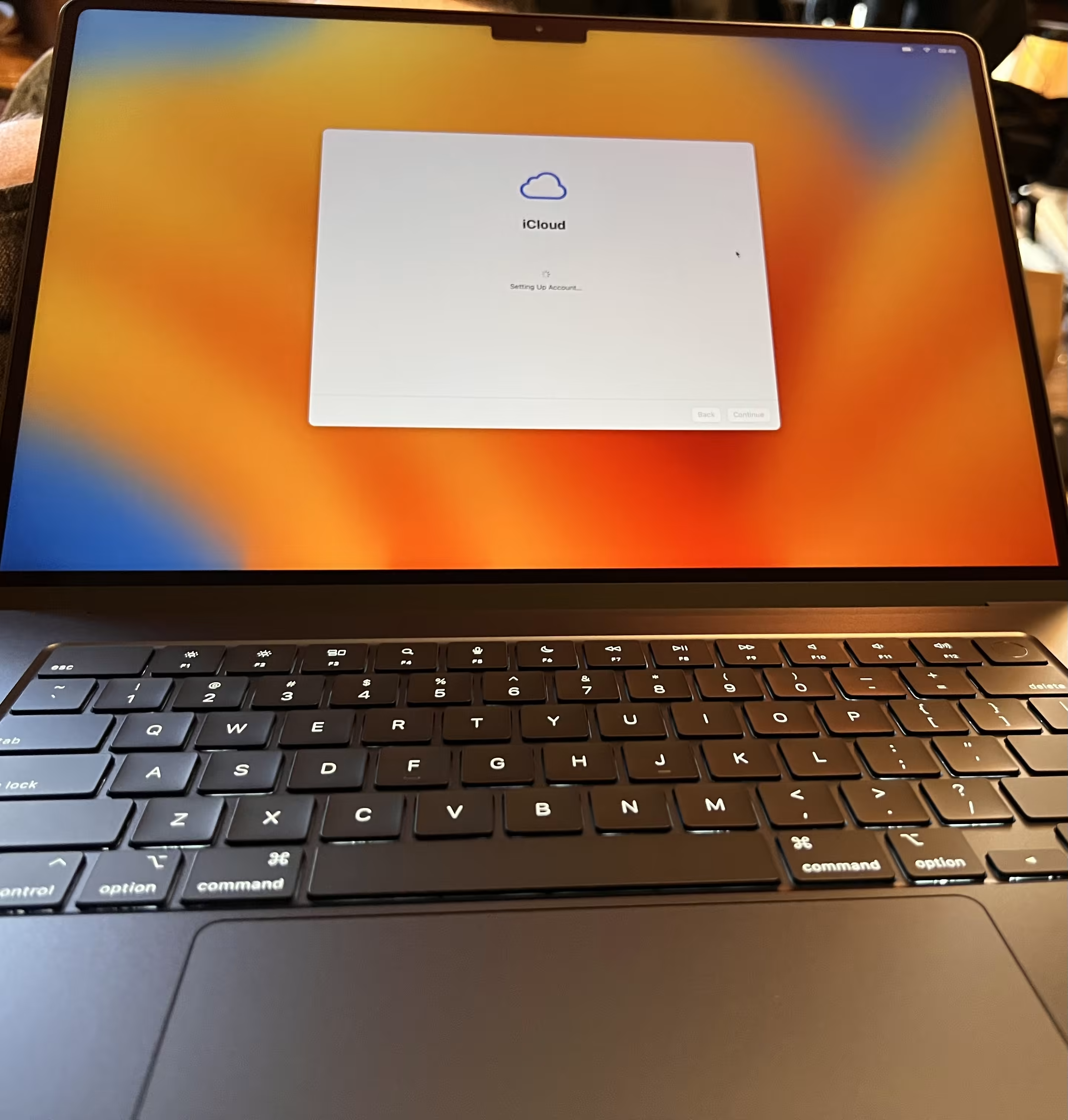
For the last twenty or so years, I’ve been a Mac person, prior to that, a die-hard PC fan, but I fell in love with Unix-flavoured operating systems.
Recently, I’ve been experimenting with a homelab setup, I like being able to run certain services in my own environment and using Tailscale to access externally.
Setup
| Item | Type | Manufacturer | Comments |
|---|---|---|---|
| MacBook Air 15in M2 | laptop | Apple | Personal machine |
| MacBook Pro | laptop | Apple | Work machine |
| Runtipi | container manager | Runtipi | Homelab Docker container management on Raspberry Pi |
| Tailscale | VPN | Tailscale | Private VPN for accessing homelab externally |
Editor
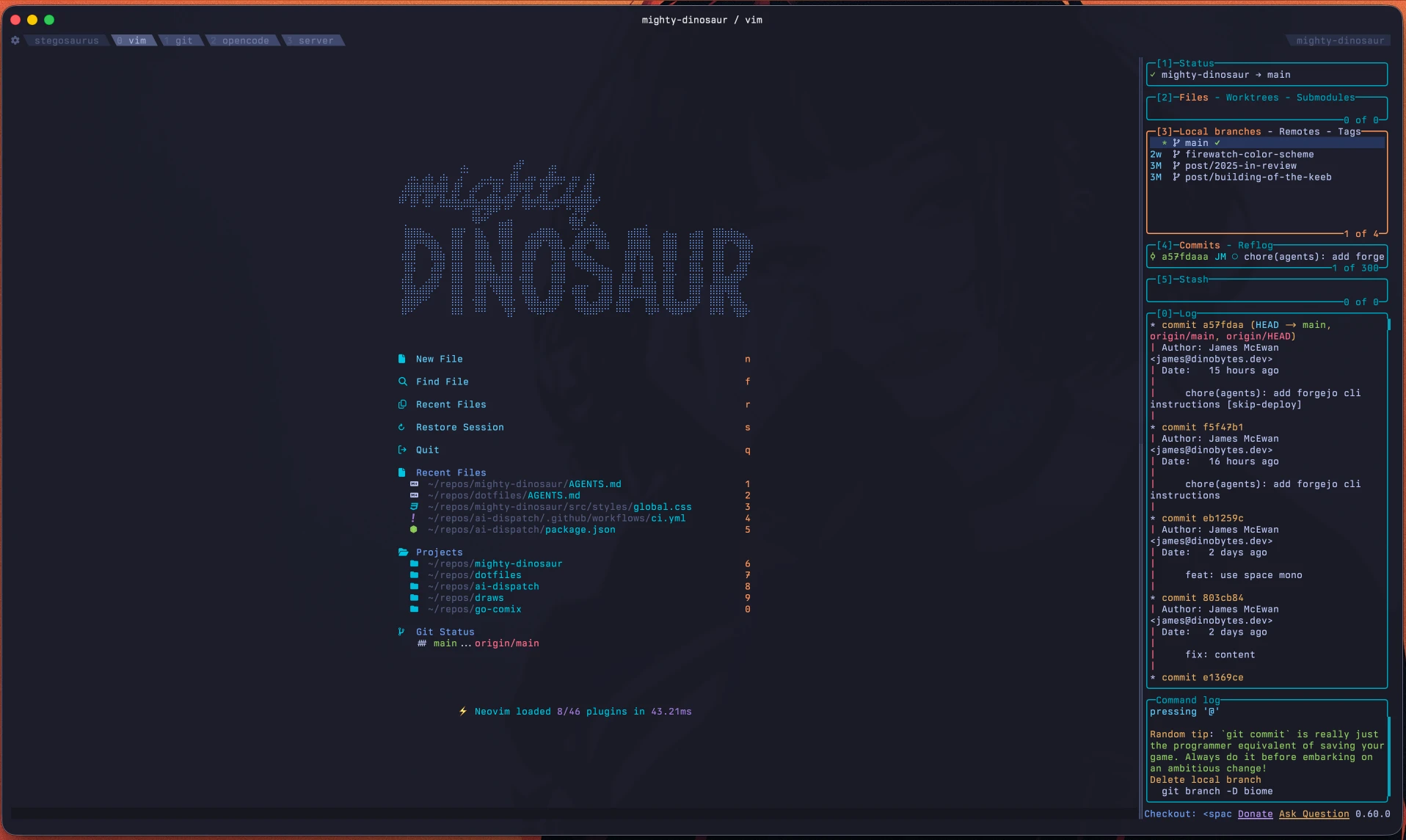
I live in the terminal. My editor of choice is Vim, more specifically Neovim. After I got over the learning curve (which admittedly was years), the modal style of editing is the most efficient way for me to work with text.
| Item | Type | Manufacturer | Comments |
|---|---|---|---|
| Berkeley Mono | font | U.S Graphics | |
| Ghostty | terminal emulator | Mitchell Hashimoto | |
| LazyVim | config | LazyVim | Neovim configuration |
| Neovim | editor | Neovim | With LazyVim config |
| Oh-My-Zsh | shell framework | Oh-My-Zsh | Zsh configuration framework |
| Starship | prompt | Starship | Cross-shell prompt |
| Tokyo Night - Night | theme | Folke | Theme of choice |
| Zed | editor | Zed Industries | Alternative editor |
| zsh | shell | Open Source | With Oh-My-Zsh and Starship prompt |
Browsers
| Item | Type | Manufacturer | Comments |
|---|---|---|---|
| Safari | browser | Apple | |
| zen | browser | Zen Team | Profile isolation in spaces is really useful for work |
Graphics
| Item | Type | Manufacturer | Comments |
|---|---|---|---|
| Acorn | Photo editor | Flying Meat | |
| Figma | design tool | Figma | |
| Pixelmator Pro | Photo editor | Apple |
Built With
| Item | Type | Manufacturer | Comments |
|---|---|---|---|
| Astro | framework | Astro | Framework of choice for this site |
| Bunny.net | hosting/CDN/DNS | Bunny | Fantastic and inexpensive EU based platform |
| deno | runtime | deno | Recently switched from Bun to Deno |
| Tailwind CSS | CSS framework | Tailwind Labs | Utility-first styling |